
A smarter way to check your MicroStation drawings. Drop in your files, let CAD Scan do the heavy lifting. Works seamlessly with ProjectWise or your local files.


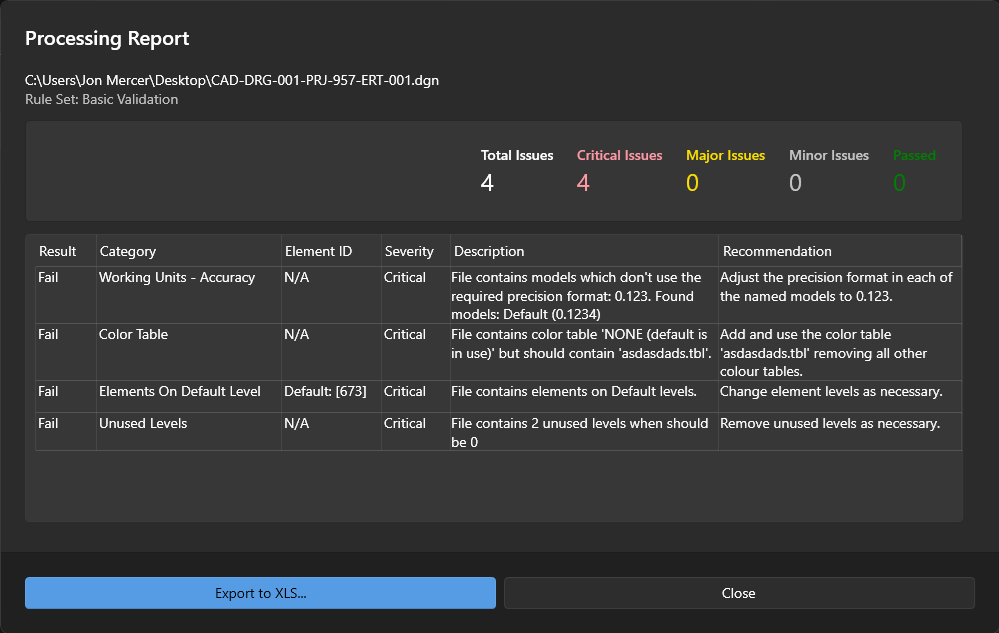
Automated CAD QA in three simple steps
Drag and drop files from ProjectWise or local directories. Process single drawings or batch hundreds at once.
Automatically check drawings against customised rule sets. From level libraries to text styles, ensure every detail meets your standards.
Get comprehensive QA reports with detailed analysis. Export results in Excel format for easy sharing and documentation.
Whether you're checking a single drawing or processing hundreds of files, CAD Scan streamlines your QA workflow.